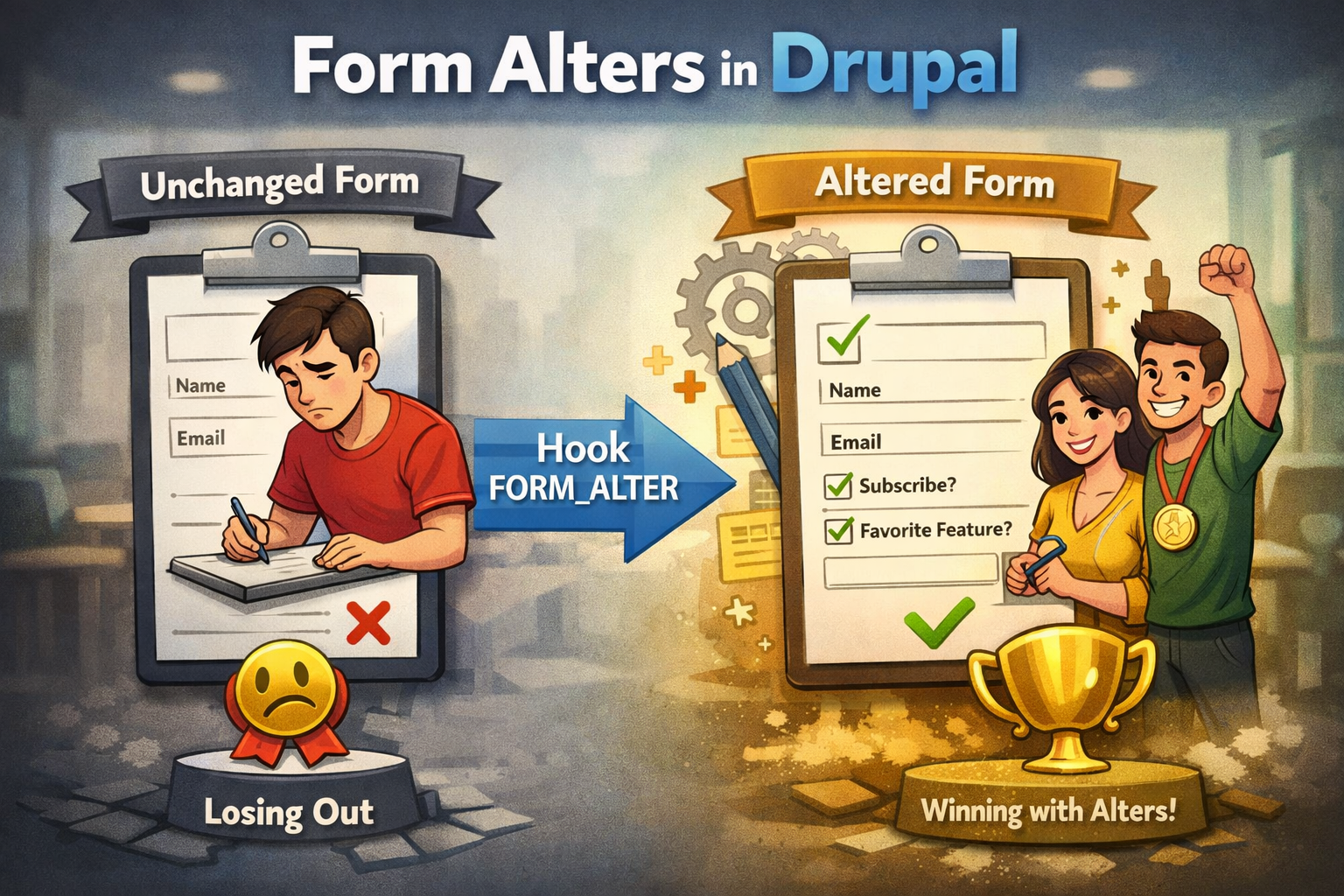
Drupal forms are built using the Form API (FAPI). Sometimes you control the original form, but very often you need to change an existing form that belongs to core or a contributed module.
This is where form alters come in.
Form alters allow you to modify a form without rewriting it, without copying it, and without touching the original module. This is one of Drupal’s most powerful backend extension mechanisms.
This article continues the learning-by-building approach using the same weeklydrupal_demo module. You will learn how Drupal alters forms, when to use each alter hook, and how to do it safely.
1. What Is a Form Alter
A form alter is a hook that allows a module to:
- Add fields to a form
- Remove or hide elements
- Change validation or submission behavior
- Adjust default values
- Attach libraries or settings
All without owning the original form.
In simple terms:
Form alters let you intercept a form before it is rendered.
2. When Form Alters Are Used
Common real-world use cases:
- Add a checkbox to a core user form
- Change labels on a Webform
- Add validation to a contributed form
- Attach JavaScript or CSS conditionally
- Modify submit buttons or actions
Form alters are especially common in enterprise Drupal projects.
3. The Main Form Alter Hooks
Drupal provides multiple alter hooks. Each has a specific purpose.
hook_form_alter()
Runs on every form.
function weeklydrupal_demo_form_alter(array &$form, \Drupal\Core\Form\FormStateInterface $form_state, $form_id) {
  // Runs for all forms.
}
Use sparingly. This hook can impact performance if misused.
hook_form_FORM_ID_alter()
Runs on one specific form.
function weeklydrupal_demo_form_user_login_form_alter(array &$form, \Drupal\Core\Form\FormStateInterface $form_state) {
  // Alters the user login form only.
}
This is the recommended approach whenever possible.
hook_form_BASE_FORM_ID_alter()
Runs on a group of related forms.
function weeklydrupal_demo_form_node_form_alter(array &$form, \Drupal\Core\Form\FormStateInterface $form_state) {
  // Alters all node edit forms.
}
Useful when applying changes consistently across similar forms.
4. Understanding Form IDs
Every form has a form ID.
Examples:
user_login_formnode_page_formnode_article_formsystem_site_information_settings
Knowing the correct form ID is critical for targeting alters properly.
5. Finding the Form ID
Ways to find form IDs:
- Inspect the form array in a debugger
- Use Devel module tools
- Check the form class name
- Enable form ID display in development
Form IDs are stable and predictable when following Drupal conventions.
6. Adding a Field Using Form Alter
Example: add a checkbox to the user login form.
function weeklydrupal_demo_form_user_login_form_alter(array &$form, \Drupal\Core\Form\FormStateInterface $form_state) {
  $form['weeklydrupal_notice'] = [
    '#type' => 'checkbox',
    '#title' => t('I understand this is a demo site'),
    '#weight' => -10,
  ];
}
What is happening
- The form array is modified before rendering
- Drupal merges this element into the existing form
- No original code is changed
7. Changing Existing Form Elements
Example: change the submit button label.
$form['actions']['submit']['#value'] = t('Sign in');
This pattern is commonly used to adjust UX without rewriting forms.
8. Adding Validation via Form Alter
You can attach custom validation handlers.
$form['#validate'][] = 'weeklydrupal_demo_login_validate';
Validation callback:
function weeklydrupal_demo_login_validate(array &$form, \Drupal\Core\Form\FormStateInterface $form_state) {
  if (!$form_state->getValue('weeklydrupal_notice')) {
    $form_state->setErrorByName('weeklydrupal_notice', t('You must acknowledge the notice.'));
  }
}
9. Adding Submit Handlers
Submit handlers can also be added or reordered.
$form['#submit'][] = 'weeklydrupal_demo_login_submit';
Submit callback:
function weeklydrupal_demo_login_submit(array &$form, \Drupal\Core\Form\FormStateInterface $form_state) {
  \Drupal::messenger()->addStatus(t('Login form altered successfully.'));
}
10. Attaching Libraries and Settings
Form alters are a common place to attach frontend behavior.
$form['#attached']['library'][] = 'weeklydrupal_demo/form_behavior';
This keeps frontend logic scoped to the form.
11. Best Practices for Form Alters
- Target specific forms whenever possible
- Keep alter logic minimal and focused
- Avoid heavy processing in global alters
- Do not rely on element order unless necessary
- Document why the alter exists
Form alters are powerful, but misuse can make forms fragile.
12. Learning by Building: weeklydrupal_demo
In this topic, the module now:
- Alters an existing core form
- Adds custom fields
- Adds validation and submission logic
Later topics will build on this with:
- AJAX-enabled form elements
- Custom form classes
- Entity-backed forms
13. Why Form Alters Matter
Form alters allow you to:
- Extend functionality safely
- Customize UX without forks
- Integrate logic into existing workflows
They are a core reason Drupal scales well in large projects.